Add a 3D car configurator to your Webflow website.
Embed the full 3dcarchanger configurator on any Webflow page with one code snippet — wrap films, wheels, interior and quote requests included.
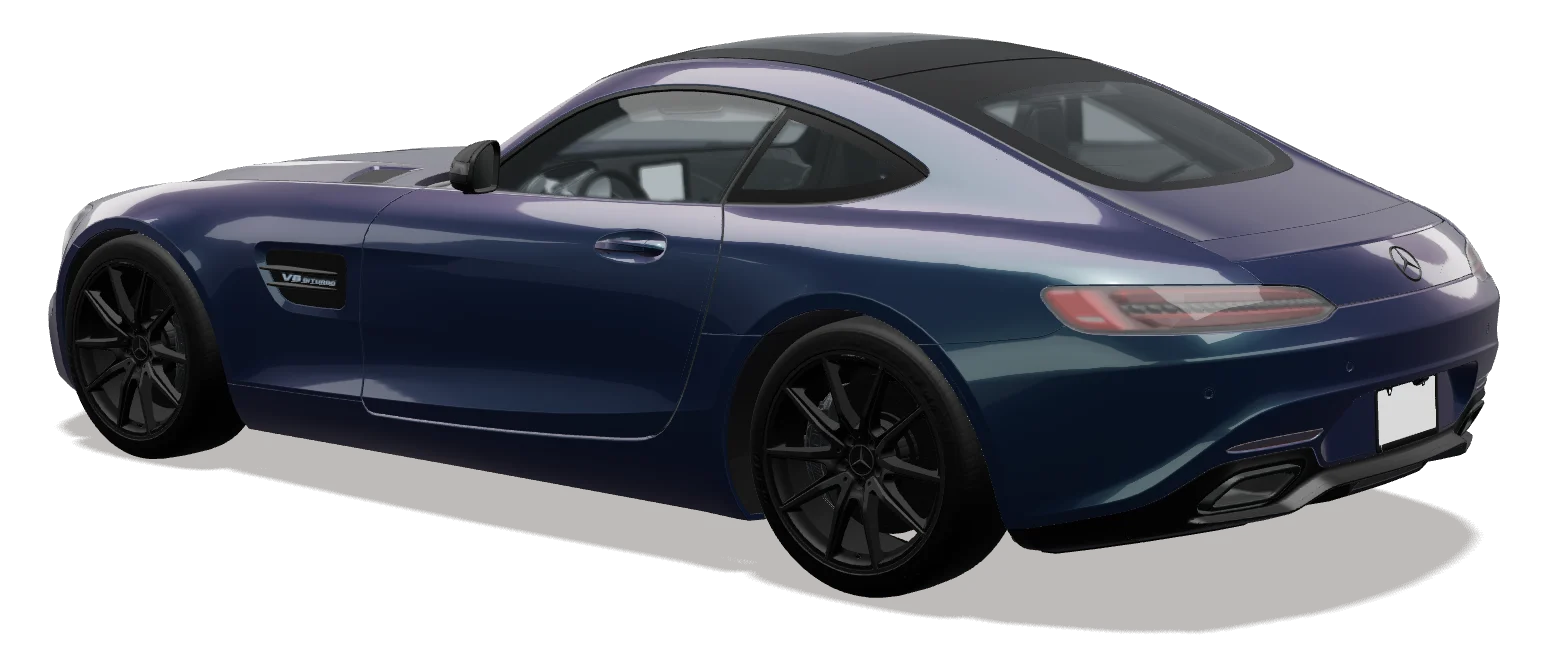 EMBEDDED ON WEBFLOW
How do I add a 3D car configurator to Webflow?
Copy your 3dcarchanger iframe snippet and paste it into an Embed element on any Webflow page, then publish. No plugin is needed and updates arrive automatically. The configurator adapts to the width of the frame, works on mobile themes and sends every finished design to your dashboard with a price.
How to add it to Webflow
- 01Open the page in the Webflow Designer.
- 02Drag an “Embed” element into a section.
- 03Paste your 3dcarchanger snippet and save.
- 04Publish the site.
Why studios embed it on Webflow
No plugin to maintain
One standard embed in an Embed element; updates arrive automatically.
Your branding
Your logo, films and prices — white-label from Business.
Leads, not just likes
Every finished design arrives in your dashboard with a price.
Webflow questions
Do I need a Webflow plugin?
No. The configurator is a standard iframe, so an Embed element is all you need.
Does it work on mobile Webflow themes?
Yes. The configurator adapts to the width of the frame.
Can I add it to more than one page?
Yes — paste the same snippet wherever you want it.