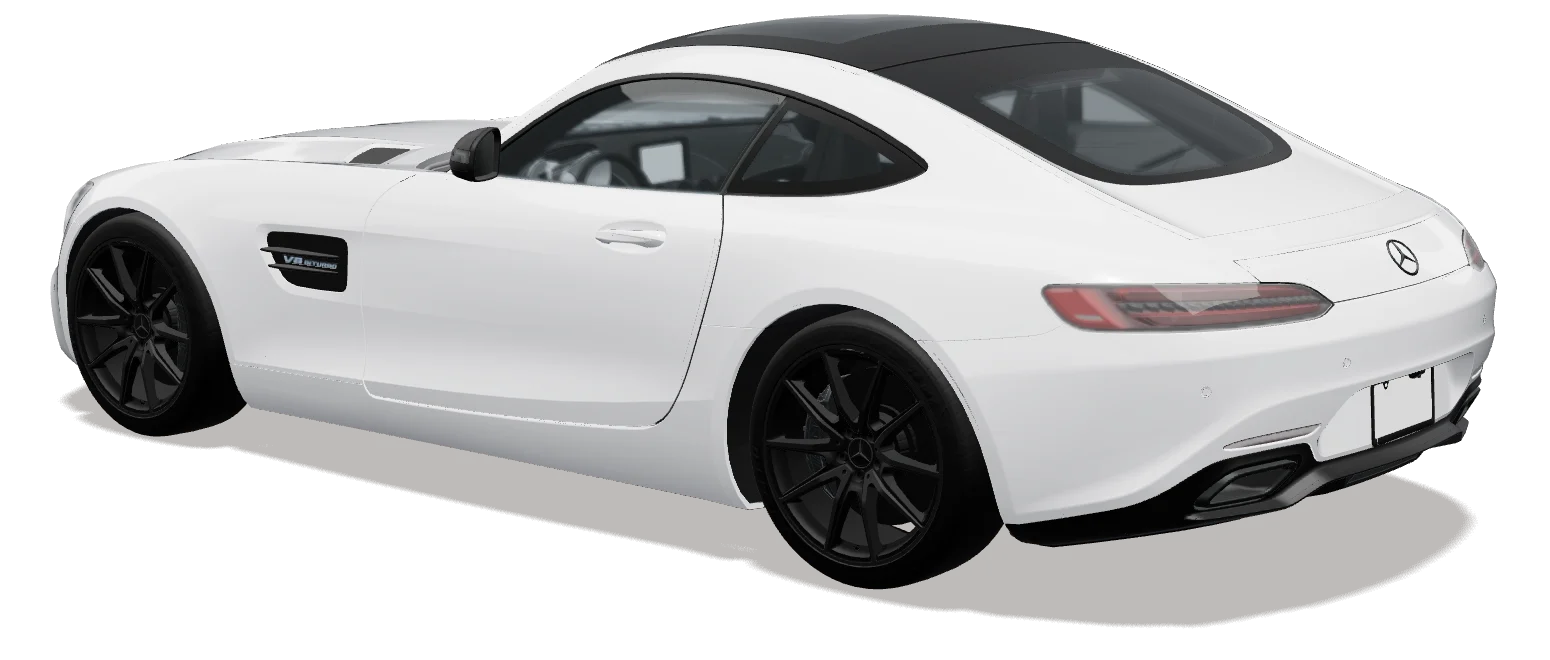
 [SCENE RENDER]
Light studioStudio
The same configurator as on your website, on the big screen in your showroom — built for a TV and a PlayStation or Xbox controller.
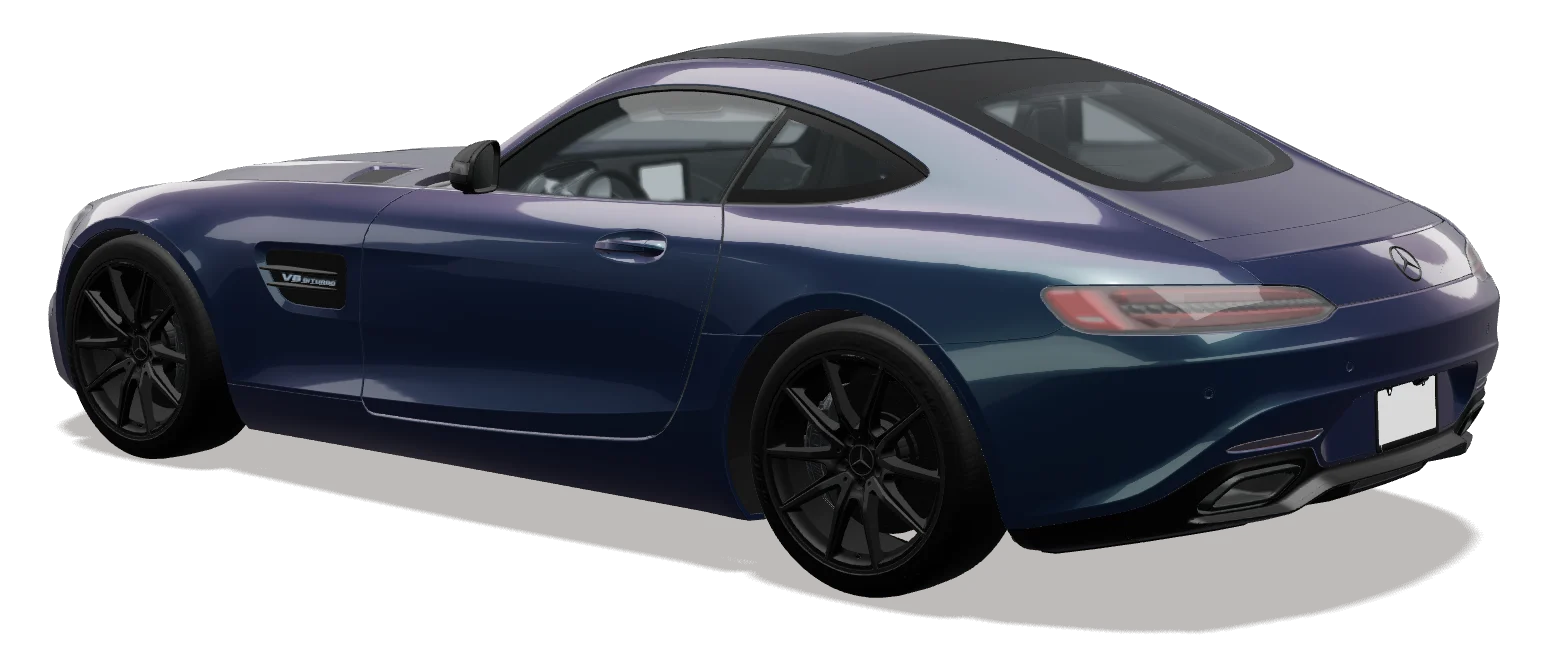
Showroom mode runs the same 3D configurator on a TV or large monitor in your showroom, controlled with a PlayStation 5 or Xbox controller. Customers walk around their configured car in first person, open the doors, start the engine and drive it on race tracks, in 14 scenes with your logo on the wall.
[SCENE RENDER][SCENE RENDER]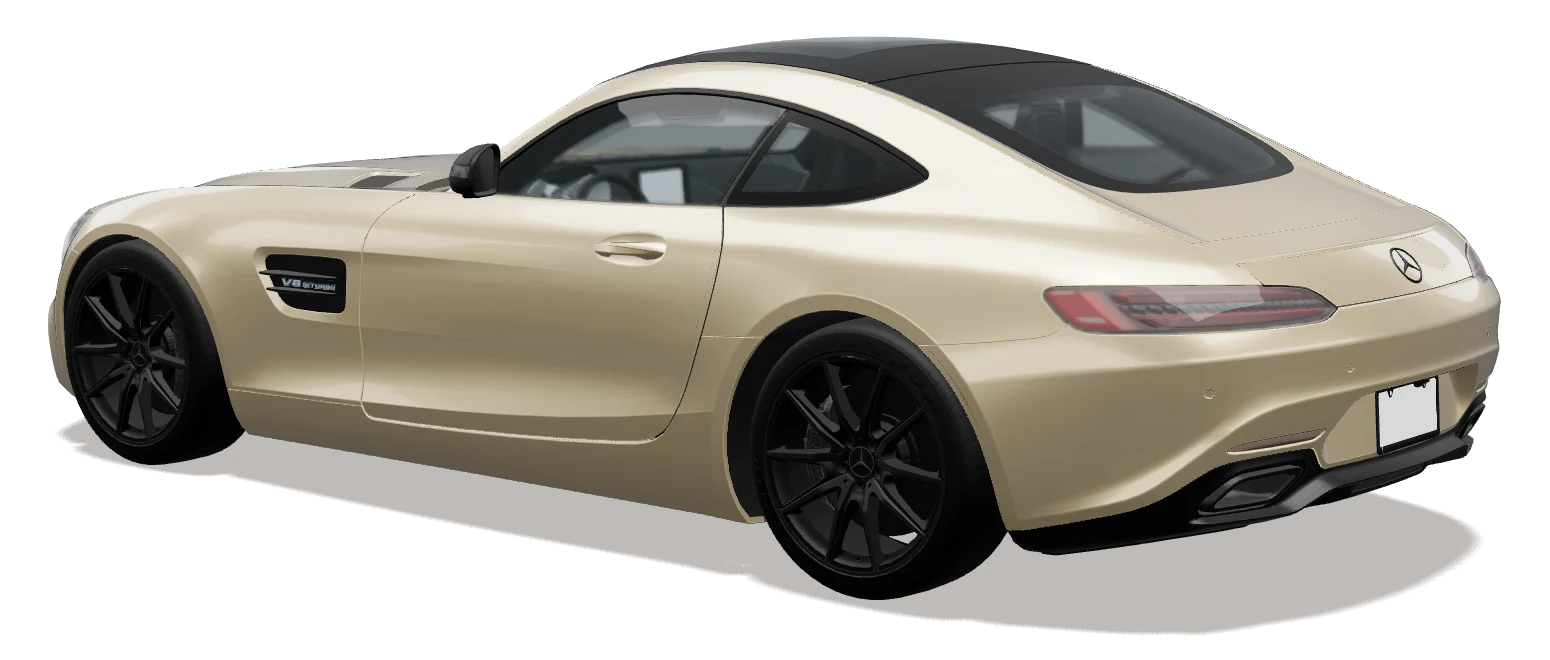 [SCENE RENDER][SCENE RENDER]
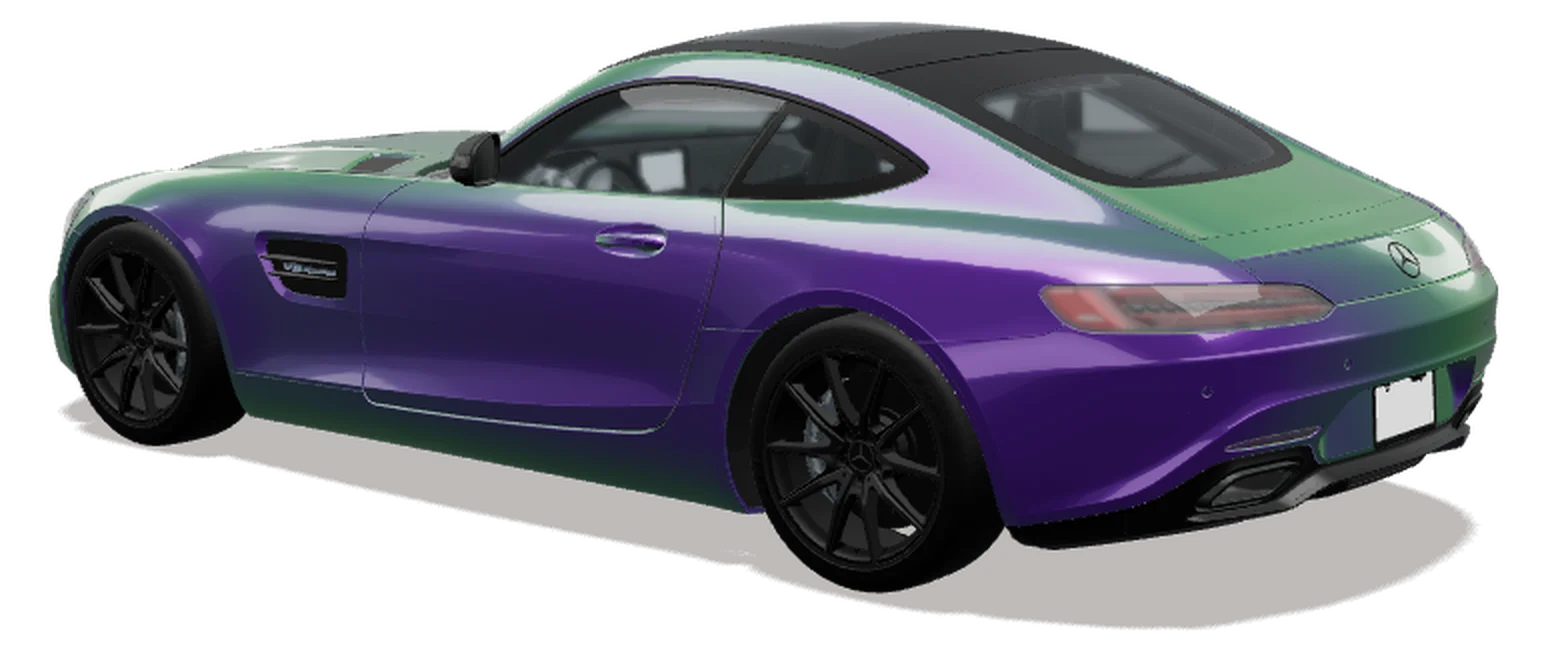 [SCENE RENDER][SCENE RENDER][SCENE RENDER][SCENE RENDER][SCENE RENDER][SCENE RENDER][SCENE RENDER][SCENE RENDER][SCENE RENDER][SCENE RENDER]
First-person view puts the customer next to — and inside — their configured car. Drive mode — R3 on the controller — takes it onto the drift circuits, the GP circuit and the speedway.
PlayStation 5 and Xbox controllers are detected automatically; button hints match the pad you hold.
Upload your logo and a livery banner. Place the logo left, centre or right in three sizes, and the banner across the back wall or on the floor.
PlayStation 5 and Xbox controllers are detected automatically, and the on-screen button hints match the pad you hold. Keyboard and mouse also work.
A TV or large monitor, a PC or Mac with a modern browser, and a PlayStation or Xbox controller. Showroom mode is part of every plan.
One showroom on Starter and Professional, three on Business, and a custom number on Enterprise.
Yes. They scan a QR code and continue the same design on their phone.
We set up a configurator with your logo, films and prices, and send you the embed code to try.